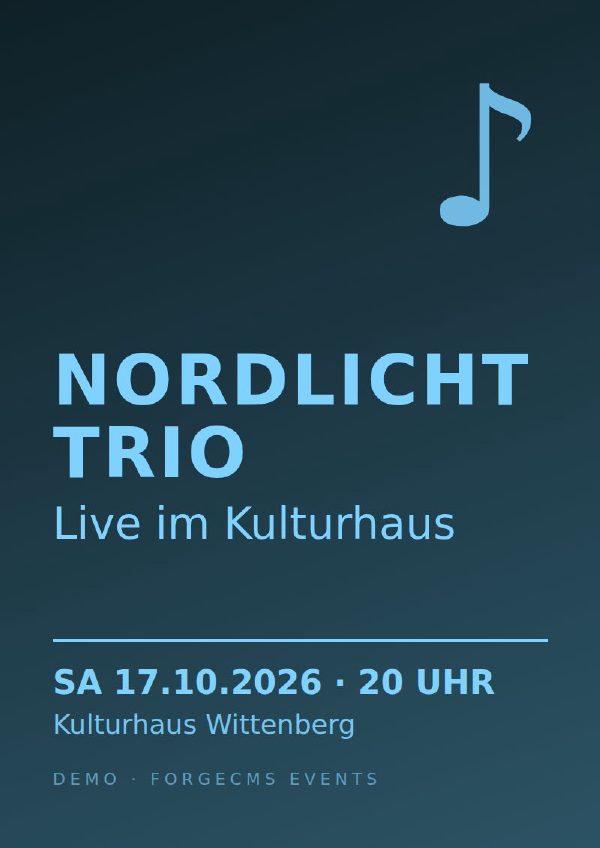
Nordlicht Trio — live at the Kulturhaus
Kulturhaus Wittenberg
Nordic folk, jazz and a lot of warmth — the trio's autumn concert.
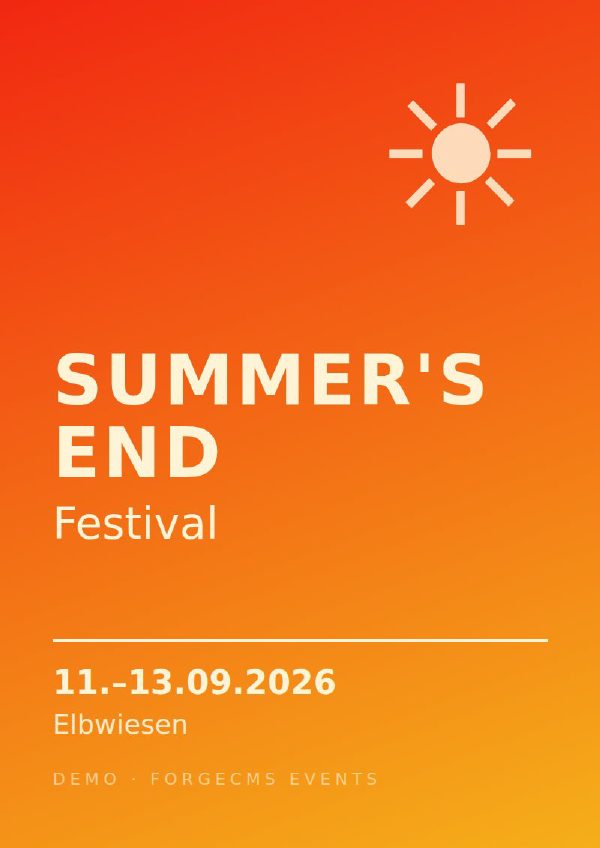
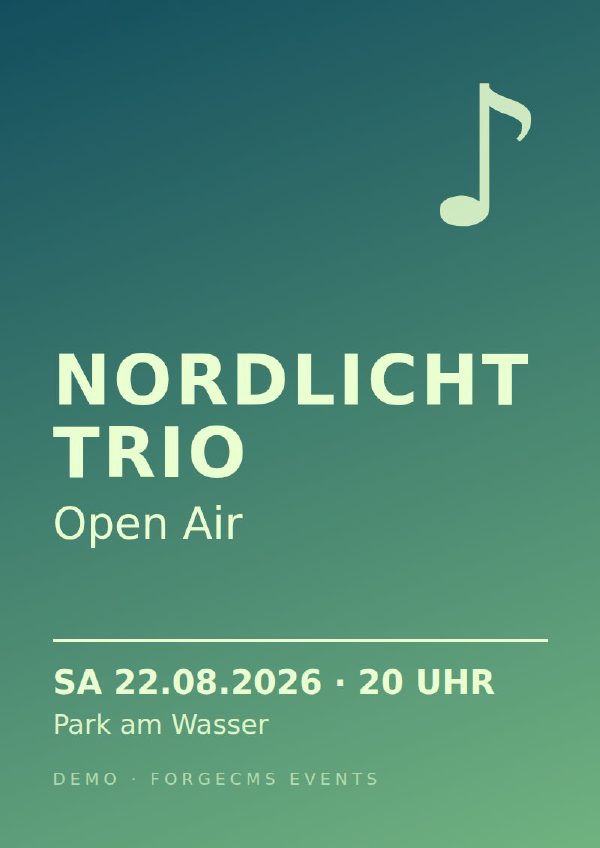
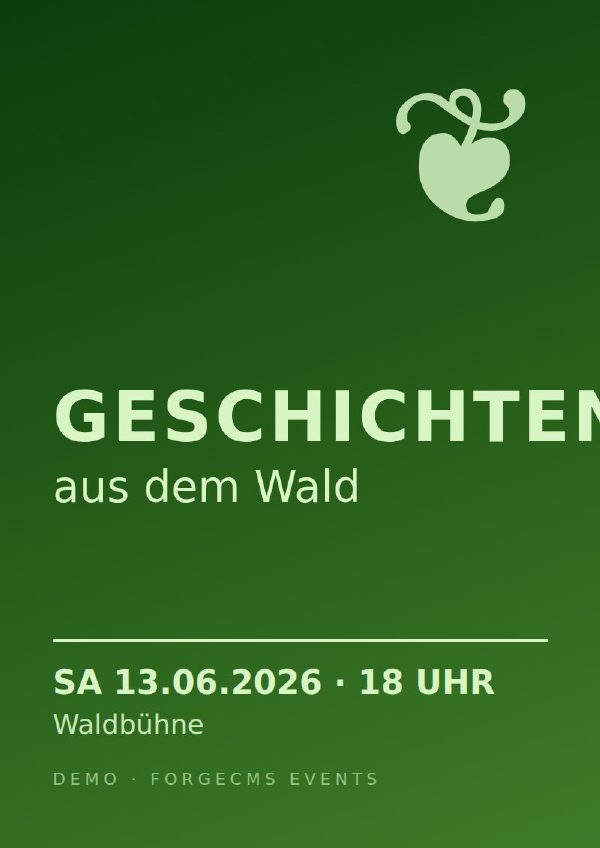
DetailsThis is the ForgeCMS events module in action — with fictional events. Upcoming events come first, below them the last five past ones. Click an event to see the full flyer, the description and the calendar download.
Kulturhaus Wittenberg
Nordic folk, jazz and a lot of warmth — the trio's autumn concert.
Details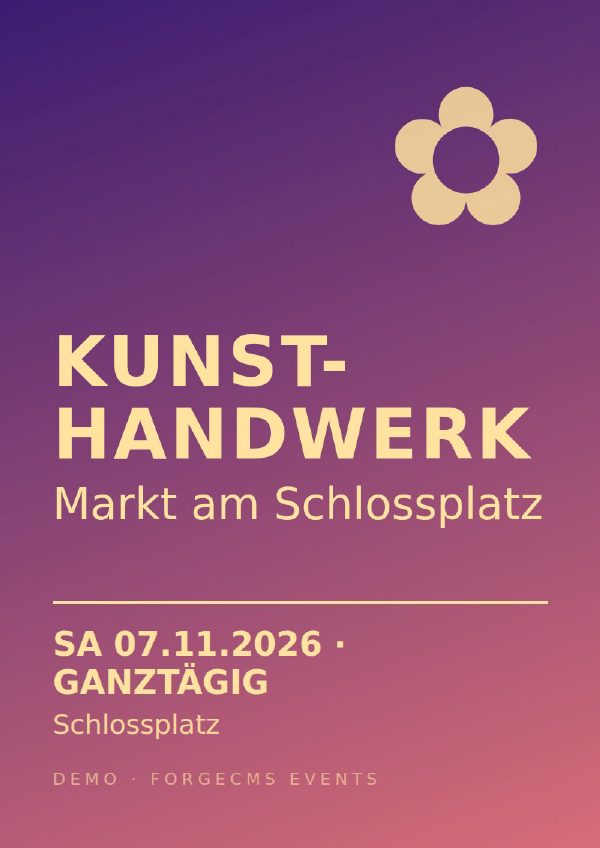
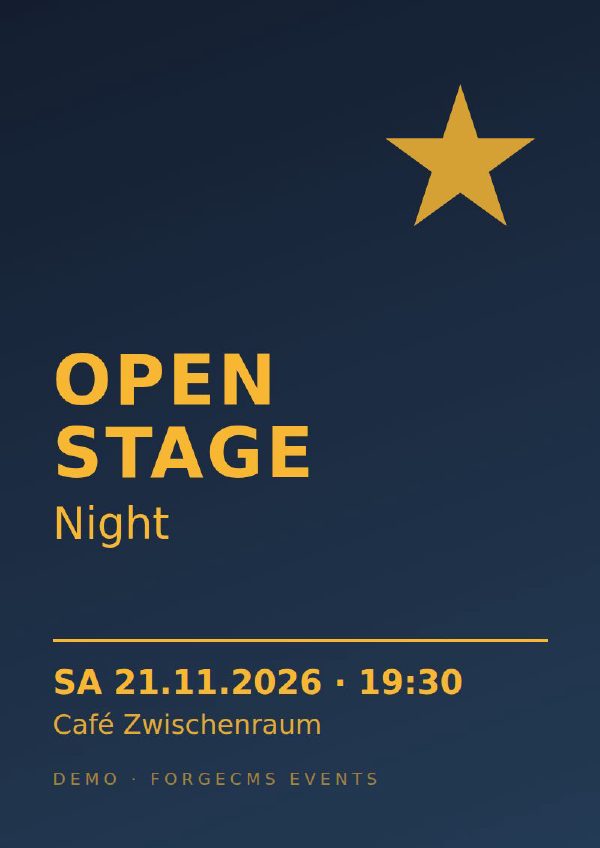
Café Zwischenraum
Music, poetry, comedy: ten minutes on stage for everyone who signs up.
Details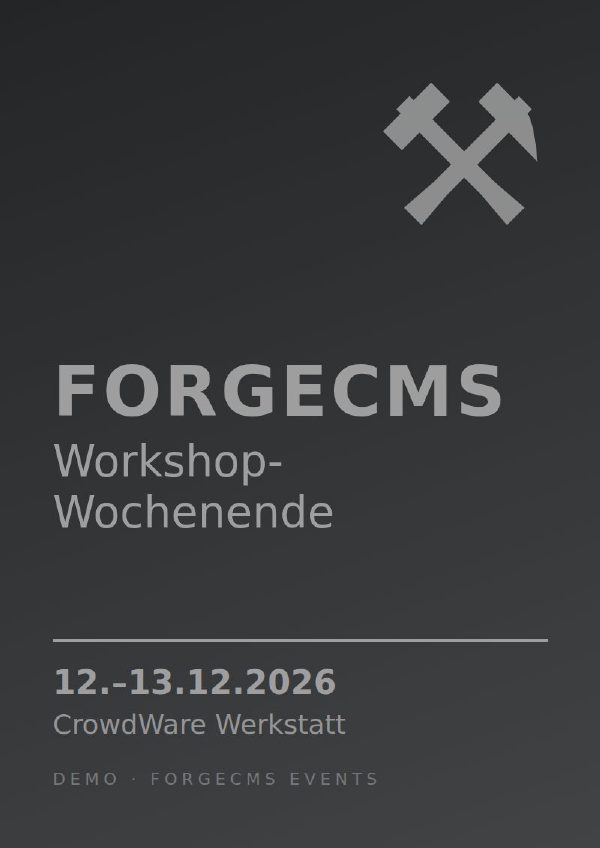
CrowdWare Werkstatt
Two days: build and publish your own website with ForgeCMS.
Details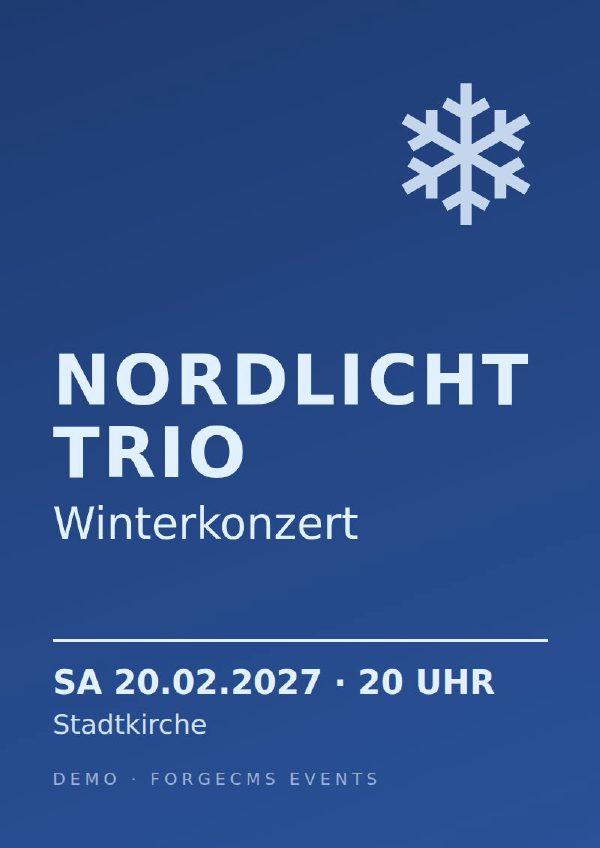
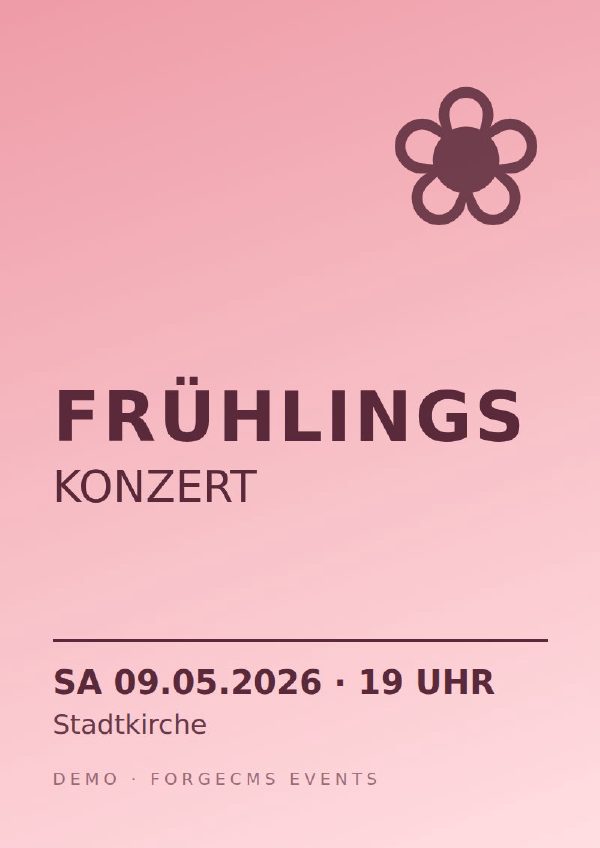
All events live in one text file in your content repository. A new date is a short block — title, date, place, a flyer or photo, and optionally a longer description:
Event {
    title:  "Open Stage Night"
    start:  "2026-11-21 19:30"
    place:  "Café Zwischenraum"
    image:  "events/open-stage.jpg"
    teaser: "Ten minutes on stage for everyone."
}